How to Automate Calls and Outbound Campaigns with a Voice AI Agent
By Марк Ингер, CEO at Pleep
Automating calls with a voice AI agent means configuring telephony, the agent's instructions, the event that starts the call, and what happens afterwards. This guide walks through that setup in Pleep: a platform number or SIP trunk, a campaign list or CRM scenario, and checks for permissions, call outcomes and handoffs. A working test call is the starting point, not proof that a campaign is ready for every customer.
"Automating calls" covers three different jobs that need different architectures. Decide which one is yours before comparing platforms.
Three jobs that share one name
Outbound campaigns. You have a list of numbers and one reason to call: a promotion, a reminder, a survey, an order confirmation. Throughput, retry handling and cost per minute decide the outcome.
Calling inbound leads. Someone submits a request or reaches a funnel stage. Check the trigger condition and reaction time.
Answering inbound calls. The customer dials you. Routing, answering from a knowledge base and handing off to a human are what matter.
Treat these as separate test cases. A successful inbound call does not prove that outbound routing or a CRM trigger works. If you only need to play a fixed notification, compare that simpler workflow with an AI conversation before choosing.
Three ways to build it
A ready platform
You configure an agent and a campaign in a dashboard. Pleep provides this workflow. Standard settings do not require writing an application, but your telephony setup may still need an administrator.
A platform layered on your CRM
The call becomes an action in a sales process. Pleep scenarios can use CRM stages from a connected amoCRM or Bitrix24 integration. Check the entity, pipeline and target stage; a rule for leads is not interchangeable with a rule for deals. Verify separately which results your integration writes back.
Your own stack
You integrate telephony, a voice model and business logic yourself. That is a separate engineering project with its own monitoring and maintenance. This article covers Pleep configuration, not a current implementation recipe for external APIs.
Choose based on the trigger and integrations you actually need. Team size alone does not determine the right architecture.
Step 1. Telephony: where the call originates
This is the first decision and it constrains the rest. Three options.
A platform number. The platform issues a virtual number that also receives inbound calls. In Pleep the number is issued when you publish the voice agent.
Your own SIP trunk. Telephony stays with your operator and connects to the agent. In Pleep, inbound is configured with a SIP address and port over TCP/UDP or TLS, which you register on the provider side. The in-product hint names Mango Office and SIPuni as examples. You can also set media encryption, a list of allowed numbers, allowed IP addresses or CIDR ranges, FQDN domains of your SIP servers for TLS certificate validation, and digest authentication. For outbound you specify the address the SIP INVITE is sent to.
A WhatsApp number. The call runs over WhatsApp rather than the phone network. In Pleep, use a supported Cloud API connection and check its calling setup. Where a permission-request template is required, wait for its approval, then obtain the recipient's permission. Template approval is not the recipient's consent and does not guarantee that a call will be allowed: Pleep also reports missing permission and calling limits. Do not plan a launch around a guaranteed template-review time.
Before connecting a Kazakhstan number, confirm inbound and outbound support with your provider, including caller ID, destination restrictions and any separate charges. A SIP address by itself does not confirm every route is enabled.
Step 2. What the agent needs before the first call
The minimum set, without which the call has no point:
- A knowledge base. Prices, terms and answers to recurring questions. Add the relevant website pages or documents, then test whether the agent retrieves the right facts.
- A call goal. What counts as success: a booked appointment, a confirmed order, a qualified lead.
- An opening line. It decides whether anyone hears the second sentence.
- Languages. Select the primary and additional languages in the voice settings. Test Russian, Kazakh or English on your own names, addresses and numbers; a language setting is not a quality guarantee.
- Boundaries. Discounts the agent never offers, and the condition that brings in a human.
One detail specific to voice: keep the call instructions separate from the text agent's instructions. A spoken turn tolerates a different length than a chat message. In Pleep the voice prompt can either be synced from the text agent or maintained by hand.
Step 3. The call parameters people forget
Four settings that quietly distort every report that follows:
- Minimum answered seconds. Below this conversation-duration threshold, Pleep classifies the call as unanswered. Check that the configured threshold matches the reporting you need.
- Maximum call length. A limit at which the agent briefly summarises and ends the call.
- Interruption handling. Only a live test call tells you the truth about this.
- Speech recognition quality on your names, product terms, addresses and numbers in each required language.
Step 4. Running a campaign against a list
The shape is the same almost everywhere: a campaign template, a recipient list, a launch, counters.
In Pleep a campaign is saved as a reusable template: you set a name, instructions specific to that campaign ("we are running a promotion, offer the reduced price"), and the list. While it runs you see how many numbers were dialled and how many failed out of the total.
Start with a small internal test list. Include an answered call, a refusal and an unanswered call, and compare the campaign counters with the actual outcomes before adding customers.
Step 5. The call as a funnel action
This is what separates automation from launching campaigns by hand. An if-then rule watches a deal stage, or the fact that a customer has gone quiet for a set period, and initiates the call itself.
In Pleep scenarios, a voice call action configures:
- Phone source: automatic, the WhatsApp number, the number the customer called from, or a field on the lead record.
- Instructions for this specific call. For example: this is a collections call, remind them the payment is five days late, confirm a payment date.
- The opening line for this scenario.
The other actions sit alongside it: move the deal, add a note, change an attribute, notify an operator. Every run is recorded in the scenario history, which is the first place to look when "the agent did not call."
Step 6. What happens after the customer hangs up
Test the outcome as carefully as the conversation itself.
Your acceptance test should distinguish a call status from a transcript, summary and CRM writeback. Check the actual destination of each item in your setup rather than assuming that connecting a CRM transfers every field.
From there, two paths:
- Handoff to a human. Test the operator handoff and the context visible to the person receiving it. Pleep provides a waiting-for-reply queue; voice settings also distinguish ending the call from continuing it during a handoff.
- Continuation in a messenger. If your workflow includes WhatsApp follow-up, test the connected channel, recipient permission and applicable messaging requirements. Do not assume a missed call by itself permits an unsolicited message.
Checks before contacting customers
This is a technical setup guide, not a statement that a campaign is legally permitted in Kazakhstan or elsewhere. Have the person responsible for compliance confirm the applicable rules before launch, including the basis for contacting each recipient, recording, data storage and opt-out handling. A previous purchase or a recording announcement alone is not a compliance check.
For your operational test, choose an agreed local calling window, introduce the business and automated assistant clearly, and verify that a refusal stops the workflow. Keep these business controls separate from platform permissions such as WhatsApp's permission to place a call.
What it costs
There are two bills to count, not one: minutes and platform.
A minute of the Pleep voice agent costs 50 KZT in tenge billing or $0.12 in USD billing. These are independent prices, not conversions of each other. For a monthly plan configured with 1,500 messages and no voice minutes, Light is 42,380 KZT ($81.50 in USD billing) and Business is 68,380 KZT ($131.50). Voice usage is additional. Quarterly billing has a 10% discount; Enterprise and results-based arrangements have individually agreed terms, not a public Pro price.
For example, Business with 1,500 messages and 1,000 voice minutes is 118,380 KZT per month, or $251.50 under USD billing, before any separate provider charges. Confirm the selected plan's features and the actual checkout quote before launch; this example is a cost calculation, not a promise that every feature is included in every plan.
If you are still selecting a platform, see our Kazakhstan autodialer comparison and the separate comparison of Vapi, Retell, Bland, Synthflow and ElevenLabs. Verify current offers with each provider rather than treating this setup guide as a quote.
If the call does not start
Work through the configuration in order:
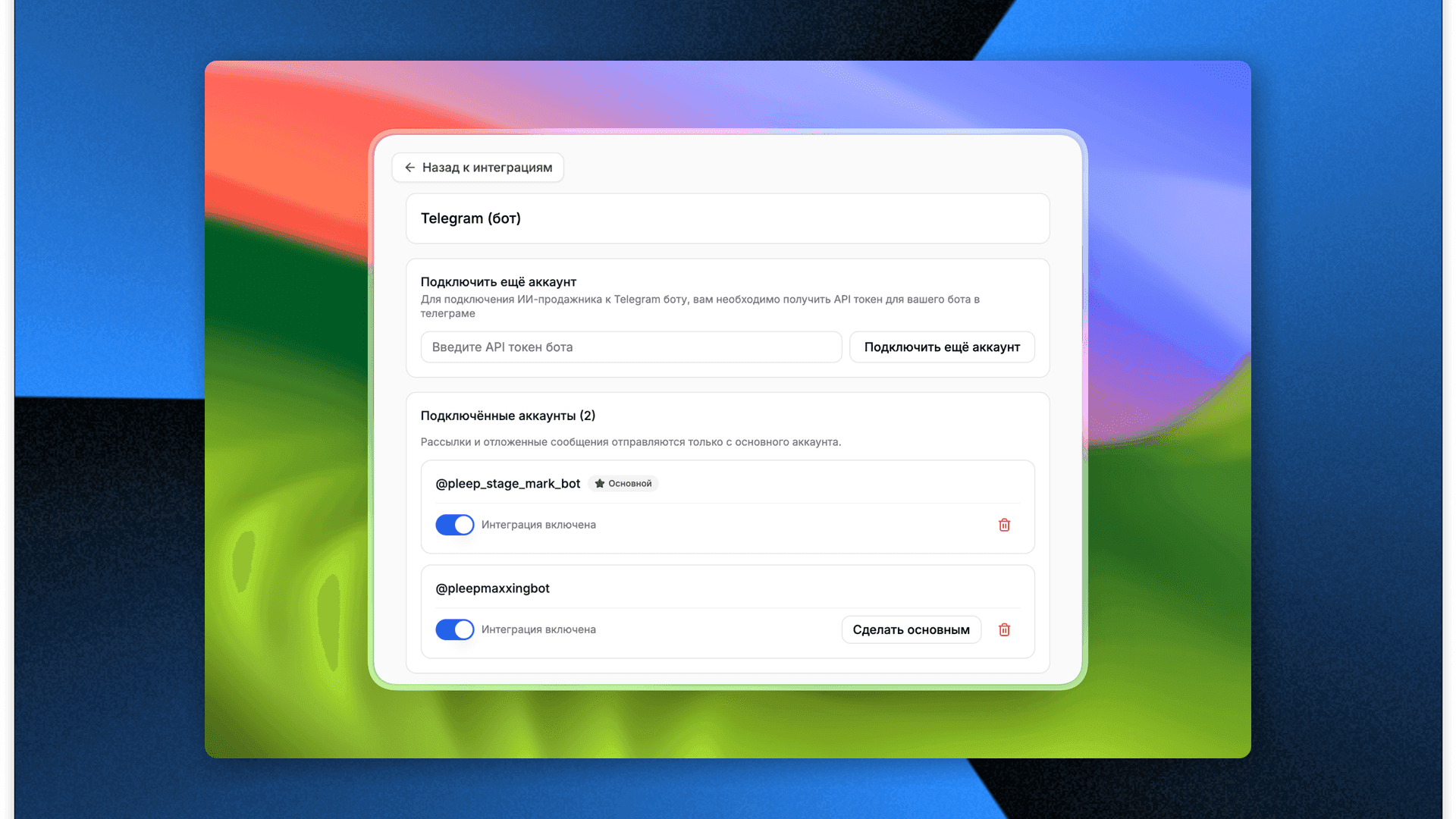
- Confirm the voice agent has an outbound number. A scenario cannot place a call without one.
- Check the destination phone source. In automatic mode, Pleep first uses the number the customer called from, then their WhatsApp number. A lead-field source needs the correct field selected.
- Check the CRM connection, entity, pipeline and stage. In Bitrix24, a previous-stage condition depends on Pleep's saved value; review that condition if the event did not match.
- Open scenario run history for instruction-delivery or action failures.
- For WhatsApp, inspect template status, recipient permission and any calling-limit error separately.
Change one setting at a time and repeat the same test. This makes the result reproducible and avoids treating a permissions problem as a voice-model problem.
Pre-launch checklist
- The job is defined: campaign, lead callback, or inbound answering.
- Telephony is chosen: platform number, your own SIP trunk, or a WhatsApp number.
- The knowledge base is assembled, the call goal and opening line are set.
- Minimum answered seconds and maximum call length are configured.
- The trigger exists: a campaign list or a funnel rule.
- The transcript is verified to land on the customer record.
- The condition that brings in a human is written down.
- The responsible person has checked contact permissions, recording, storage and opt-out requirements.
- A live test call has been made on your own script, including in Kazakh.
Frequently asked questions
Can outbound calling be automated without a developer?
Standard Pleep agents and campaigns are configured in a dashboard. A custom application needs engineering work, and a SIP connection may require help from your telephony administrator.
Do I have to change telephony providers?
Pleep supports connecting your own SIP trunk. Confirm compatibility and routing with your provider before assuming you can keep the existing setup unchanged.
How does the AI know when to call?
Two ways: you launch a campaign against a list, or a funnel rule reacts to a deal stage or to customer silence and initiates the call on its own.
What happens when the customer does not pick up?
Check the unanswered-call result first. Pleep provides a retry action for unanswered campaign calls; decide whether another attempt is appropriate. A separate messenger follow-up needs a configured channel and the relevant permissions.
Does the transcript reach the CRM?
Verify it in your connected integration with a test call. Confirm whether you need a status, transcript, summary or note, and inspect the actual CRM record. These are separate acceptance criteria.
Which language will the agent speak?
You set a primary language and additional ones. Test each required language on your own names and numbers; this guide does not claim that one vendor or region has universally better speech quality.