Data Export
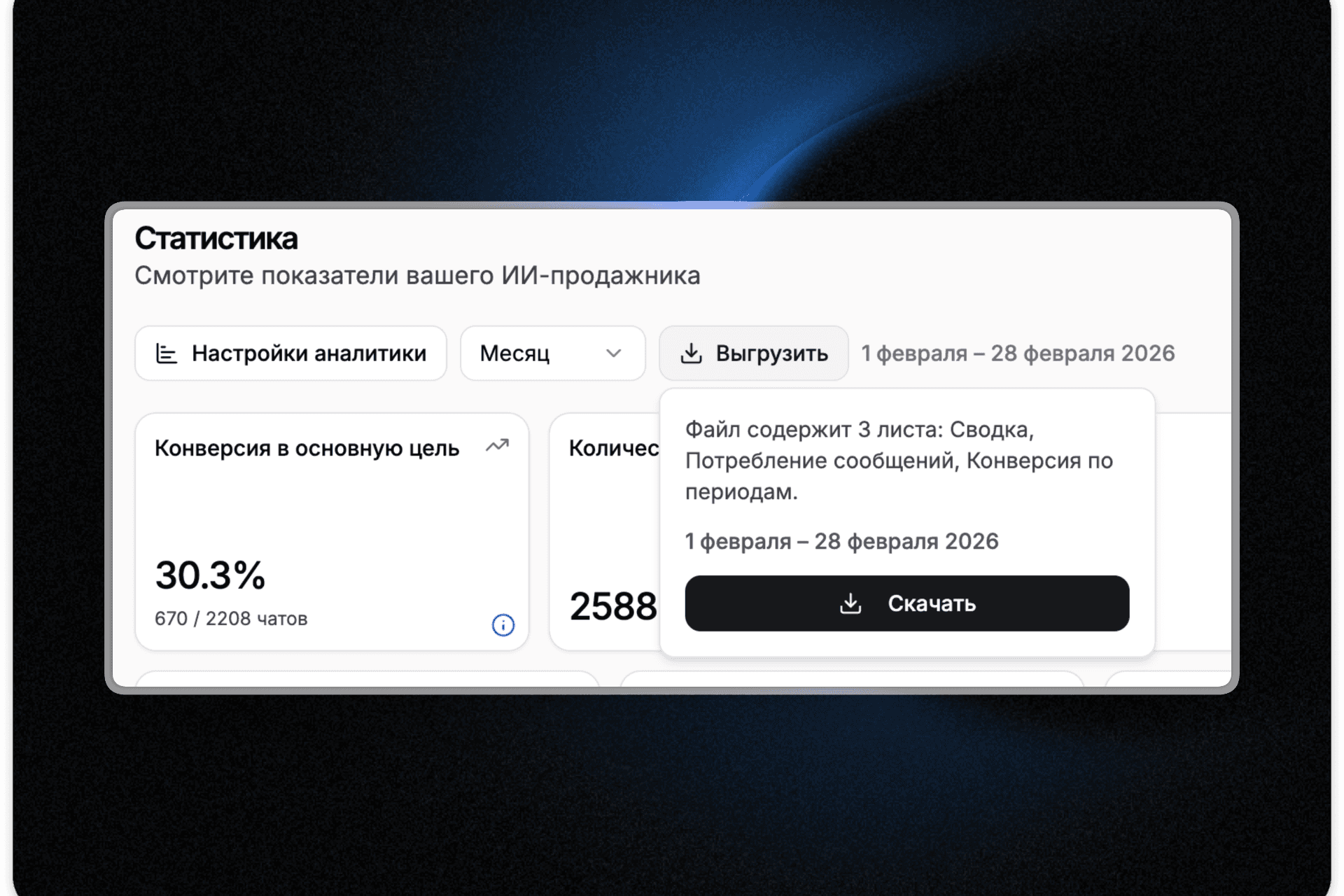
Statistics can now be exported to Excel for any time period. In the "Statistics" section, there's a new "Export" button — select a date range and download an XLSX file with three sheets: "Summary" with key metrics (conversations, AI messages, follow-ups), "Message Consumption" with a daily breakdown, and "Conversion by Period" with daily conversion rates. Great for client reports or month-over-month comparisons.
Improved conversation export in the "Conversations" section. Previously, everything was downloaded with no filtering options. Now before exporting, you can select a date range, choose whether to include conversation history and chat links — and download only what you need. The table now includes six columns: platform, customer contact, conversation creation date, last message date, status, and a direct link to the chat in the dashboard.