Configure Your Agent via ChatGPT and Claude
You can now connect Pleep to ChatGPT or Claude and configure your agent through a regular conversation. Ask something like "Review the latest dialogues and tell me where the agent is losing customers" or "Add the new price list to the knowledge base", the model will check your settings, suggest changes, and apply them once you confirm.
Through ChatGPT or Claude you can update settings, instructions, and the knowledge base; review customer dialogues; test the agent (the model messages it as a customer and shows the responses); and create new agents, scenarios, and quick replies.
Safety: every change is logged in the Change History and can be rolled back. New instructions are saved as a draft first, you review them before publishing. Phone numbers, emails, and keys in conversations are hidden from ChatGPT and Claude. When connecting, you choose which agents to grant access to and whether to allow changes or read-only access.
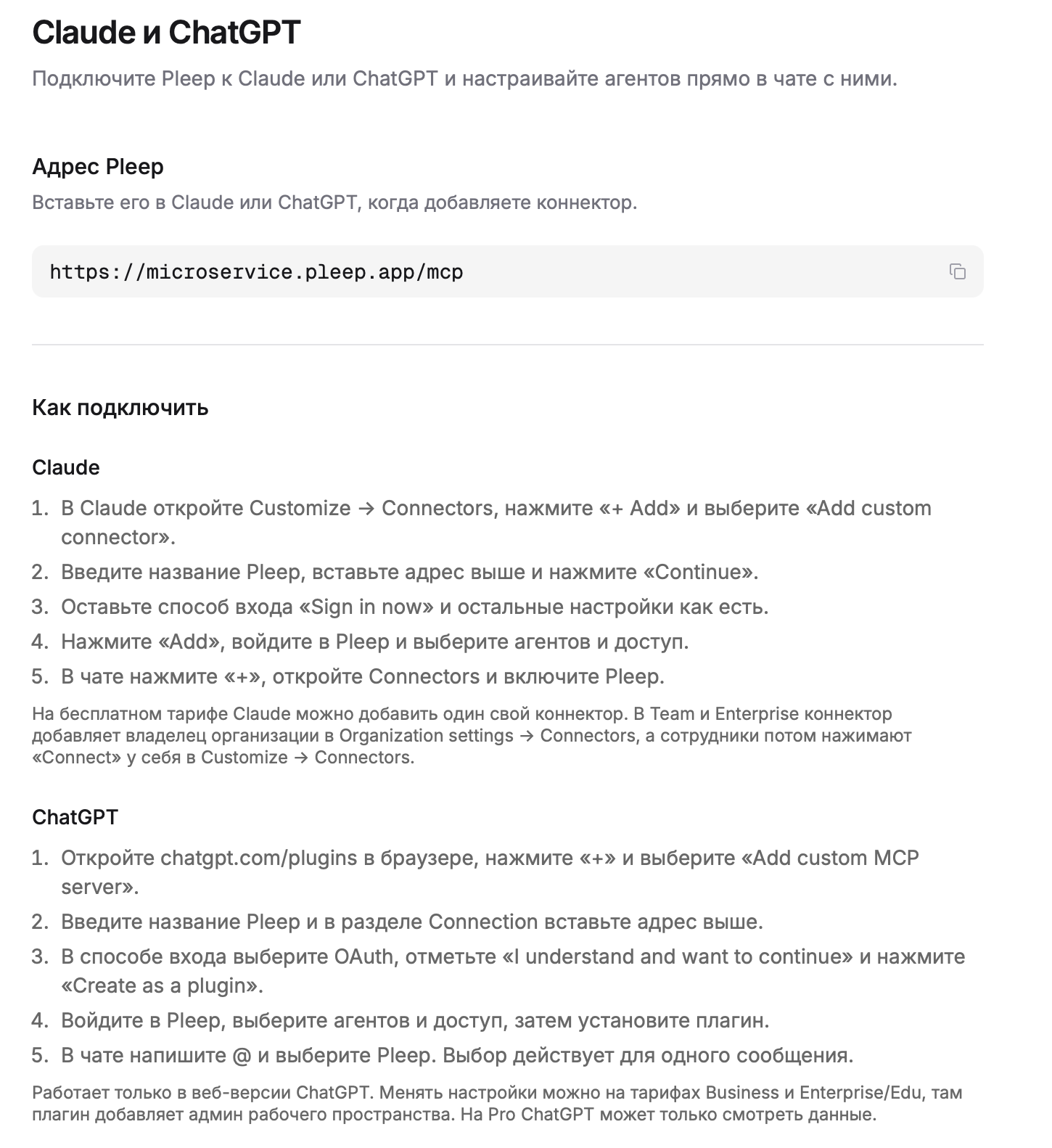
How to connect: go to Settings and open the "Claude and ChatGPT" section. No code required, setup takes a couple of minutes. Alternatively, message the agent on the Home screen: "I want to connect ChatGPT."
Availability: Claude, all plans (one connector on the free plan). ChatGPT, web version; editing is available on Business and Enterprise plans; Pro allows read-only access.