Teamwork in Pleep
What changed
Previously, to let multiple people work with the same agent, you had to share the account password. Now the organization owner can invite colleagues to the team, and each person gets their own access with configured permissions.
How it works
Creating a team and inviting members
- Go to the Team section in the left menu
- Enter your team name
- Click "Invite Members"
- Enter a colleague's email and select which agent to grant access to
- Configure access permissions — which sections the member can see
- Send the invitation by email or copy the link
Configuring access permissions
You control exactly what each team member can do:
Access to specific agents — select one or more agents the team member will work with Section selection — choose which sections are available: Conversations, Knowledge Base, Testing, Improvement, Broadcasts, Integrations, Extensions, Analytics Two roles — Member (limited access to selected sections) and Admin (full access)
For example, you can give a support manager access only to Conversations and Analytics so they can see chats and results but cannot change agent settings or the knowledge base.
Accepting an invitation
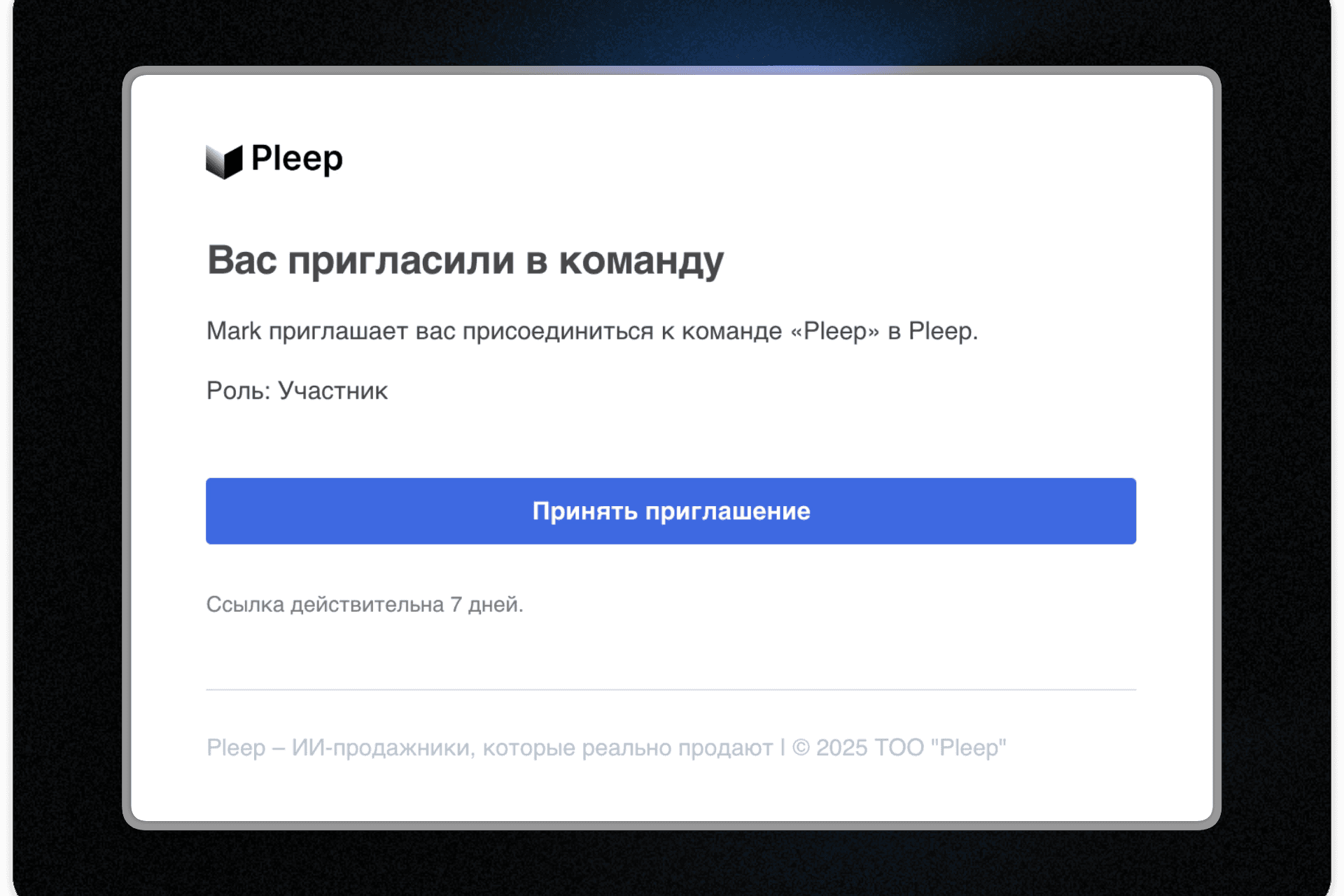
The team member receives an email invitation:
- Clicks the link in the email
- Signs into their Pleep account or creates a new one
- Accepts the invitation and joins the team
- Gets access to the organization's agents with the configured permissions
After joining, the member sees the team's agents in their account, labeled with the organization name. They cannot delete, rename, or change settings on these agents — they can only work within the permissions they have been granted.
Managing the team
The organization owner can see the following in the Team section:
List of all team members Their roles and access permissions The ability to change permissions or remove a member
Members can also visit the Team section, view the team roster, and leave the team if needed.
Pricing
Each team seat costs 7,800 KZT/month (or $15/month when paying in USD).
How billing works:
- When you invite a new member, one seat is added to your subscription
- The subscription cost increases by 7,800 KZT for each new member
- The updated amount is charged at your next renewal
Example: You have a Business subscription at 68,500 KZT/month. You invite two colleagues. At the next renewal you will be charged 68,500 KZT + 7,800 KZT x 2 = 84,100 KZT.
Important: the subscription is shared across the entire team. If the organization owner's subscription expires, team members also lose access to the agents until the subscription is renewed.
Benefits
Security — no need to share passwords; everyone has their own account Access control — configure permissions for each team member individually Separation of responsibilities — managers handle conversations, marketers handle broadcasts, technical staff handle integrations Easy management — add and remove members in a couple of clicks Transparency — view the entire team and their permissions in one place
How to get started
- Go to the Team section in the left menu
- Create a team and enter its name
- Click "Invite Members" and add colleagues with the appropriate permissions
- Send the invitations — members will receive emails and can join
If you have any questions, reach out to support and we will help you set things up.
The Pleep Team