WhatsApp Sales Bot: Automate Leads & Close Deals 24/7
By Ayan Smagul, Growth Marketing Manager at Pleep
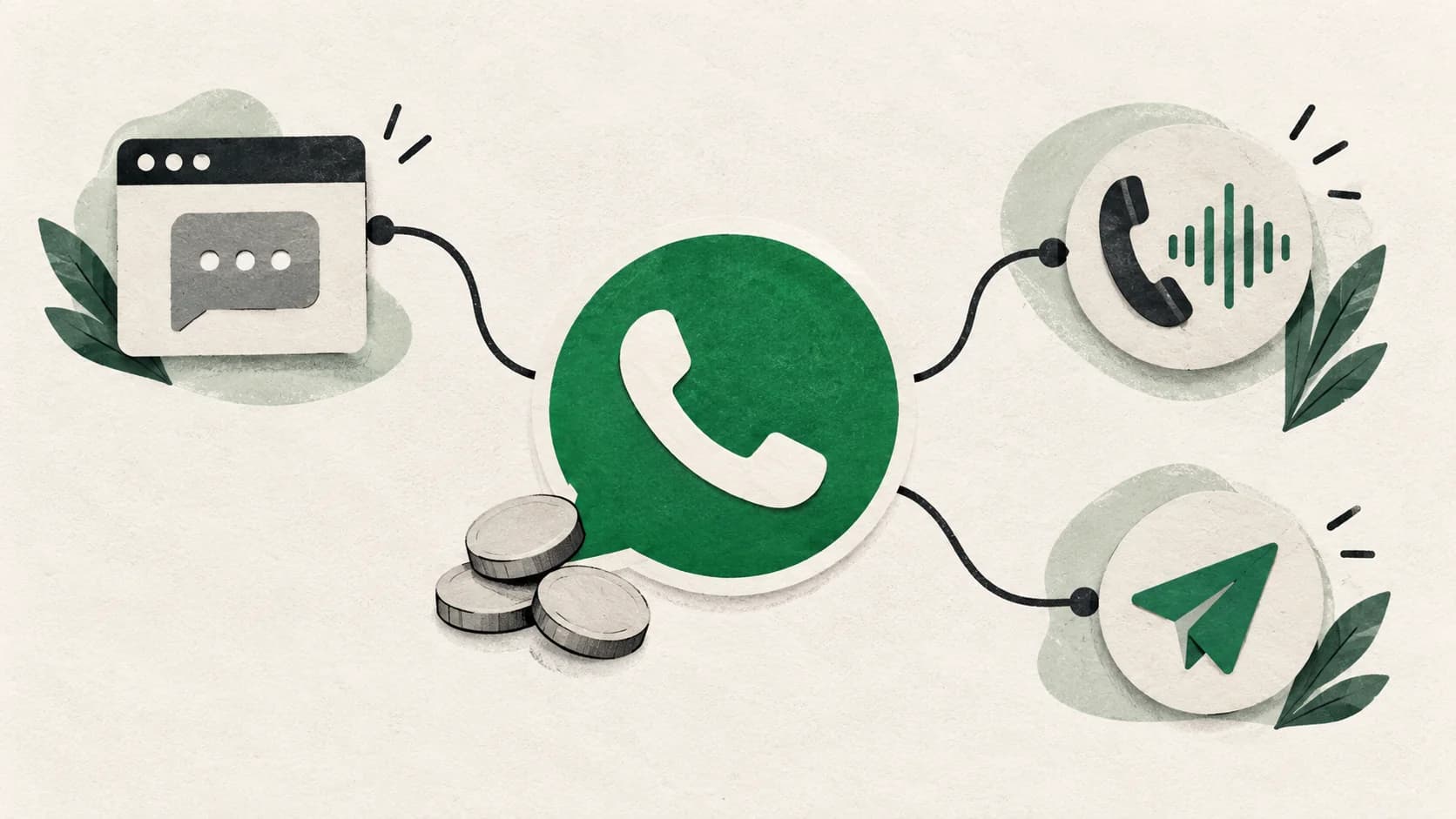
A WhatsApp sales chatbot responds in 3-7 seconds 24/7, qualifies leads, books appointments, and logs everything in your CRM — replacing 2-3 frontline sales reps at a fraction of the cost.
Sales Chatbot for WhatsApp: How to Automate Lead Processing in 2026
Your sales department receives 50-100 leads per day through WhatsApp. Managers take 15-20 minutes to respond. After 7 PM, messages pile up until morning. By Monday — 80+ unread messages. Customers go to competitors who responded in a minute.
Sound familiar?
In this article, I'll show you how a sales chatbot in WhatsApp processes 100+ leads simultaneously, responding in 3-7 seconds around the clock. Without hiring managers, without overtime, without losing customers at night.
Why WhatsApp is a Critical Sales Channel in 2026
WhatsApp isn't just a messenger. It's the primary communication channel with customers in the CIS. According to Statista, 89% of smartphone users in Kazakhstan actively use WhatsApp to communicate with businesses.
Numbers that explain why this matters:
- 78% of buyers choose the company that responded first (HubSpot Sales Statistics)
- Average message open rate on WhatsApp is 98% versus 20% for email (CallHub)
- WhatsApp message conversion is 3-5 times higher than regular website forms
The Grand View Research chatbot market analysis projects the global chatbot market will reach $27.3 billion by 2030, driven largely by messaging-based sales automation. The problem is that traditional processing through managers can't keep up:
Typical situation without automation:
- Daytime: managers respond in 15-30 minutes (processing other leads)
- Evening after 7 PM: leads pile up until morning
- Weekends: customers wait until Monday
- Peak loads: some leads are completely lost
Harvard Business Review research shows: responding within 5 minutes converts 21 times better than after an hour. But the average company responds in 42 hours — almost 2 days.
Sales automation through a chatbot solves this problem in 15 minutes of setup.
What is a Sales Chatbot for WhatsApp and How Does It Work
A sales chatbot is an AI assistant that automatically processes incoming messages on WhatsApp, qualifies leads, and passes ready customers to managers.
What a conversation with a bot looks like:
Customer (11:15 PM): How much is a massage? Bot (11:15:03 PM): Classic back massage — 8,000₸ for an hour. Full body relaxation massage — 12,000₸ for 90 minutes. What are you interested in?
Customer: I want it for tomorrow Bot: Great! What time is convenient? Available: 10:00 AM, 2:00 PM, 6:00 PM
Customer: 2:00 PM Bot: Booked you for tomorrow, 2:00 PM. What's your name?
Customer: Aigul Bot: Aigul, we're expecting you tomorrow at 2:00 PM at [address]. I'll send a reminder an hour before your visit. If anything changes — write here.
The entire conversation took 2 minutes. At 11:15 PM. Without manager involvement.
What an AI salesperson does automatically:
- Answers standard questions (prices, services, address, schedule)
- Qualifies the customer (identifies need, budget, urgency)
- Books appointments (checks available time in calendar)
- Collects contact information (name, phone, preferences)
- Transfers information to CRM (automatically creates deals)
- Sends reminders (a day before, an hour before the appointment)
The sales bot works on the principle of "understood → responded → action." Uses GPT-4 to understand natural language — recognizes questions even with typos and different phrasings.
Why a Chatbot Works Better Than Managers: Comparison
Let's honestly compare sales automation through a bot and traditional processing by managers.
| Parameter | Sales Manager | Sales Chatbot | Difference |
|---|---|---|---|
| Response time | 15-60 minutes | 3-7 seconds | ×120-1200 faster |
| Night work | ❌ Leads wait until morning | ✅ Processing 24/7 | +60% leads |
| Simultaneous conversations | 1-2 | Unlimited | ×50-100 |
| Conversion | 15-25% | 40-60% | +100-140% |
| Cost | $1,400/month | $131.50/month (Business, 1,500 text messages, no voice) | about -91% in this example |
| Human factor | Gets tired, sick, makes mistakes | Stable quality | 0 errors |
| Training speed | 2-4 weeks | 15 minutes setup | ×672 faster |
Specific economics example
Beauty salon, 80 leads per day:
Option A: 2 managers
- Salary: $1,050 × 2 = $2,100
- Taxes: $525
- Process only during business hours (60% of leads)
- Total: $2,625/month, lose 40% of night leads
Option B: Chatbot
- Pleep Business: $131.50 for 1,500 text messages and no voice minutes
- Processes 100% of leads 24/7
- Total platform example: $131.50/month; extra usage, voice and provider fees are separate
Illustrative cost difference: $2,493.50 per month or $29,922 per year, before extra usage and other costs. This does not guarantee that one agent replaces both roles or prevents every lost lead.
This isn't about replacing people. It's about the sales bot taking the routine work, while managers focus on complex deals and VIP customers.
Step-by-Step Guide: How to Set Up a WhatsApp Chatbot in 15 Minutes
Now I'll show you how to launch sales automation in WhatsApp literally in 15 minutes. No coding, no complex schemes.
Step 1: Define Key Scenarios (5 minutes)
Write out the 10 most common questions from customers in WhatsApp. Usually it's:
- How much does [service/product] cost?
- Where are you located?
- What are your business hours?
- How do I book/order?
- Is it in stock?
- What payment methods?
- How long will [service] take?
- Can I come today/tomorrow?
- What documents are needed?
- Are there any discounts/promotions?
These questions are the foundation for setup. If 70-80% of leads are about this, then the AI salesperson will close them automatically.
Step 2: Gather Business Information (3 minutes)
Prepare:
- Price list (services/products with prices)
- Address and business hours
- Links to website/social media
- Contact information for connecting with a manager
- Typical objections and responses to them
Life hack: If you have a website — just provide a link to it. Modern bots (like Pleep) will study the information themselves.
Step 3: Set Up the Bot Through Conversation (5 minutes)
In Pleep, setup happens through regular chat. You simply tell the bot about your business:
You: I'm the "Insight" beauty salon. We do massage, manicure, pedicure. We work from 9:00 AM to 9:00 PM. Located at 150 Abay Street.
Bot: Got it. What are your service prices?
You: Classic massage — 8,000₸ per hour, manicure — 4,000₸, pedicure — 5,000₸.
Bot: Great. How do clients book?
You: Ask for name, which service, which day and time.
Done. The bot is configured and understands your business context.
Step 4: Connect WhatsApp (2 minutes)
Important: Use WhatsApp Business API — the official business solution. Regular WhatsApp isn't suitable for automation (violates rules and can get blocked).
In Pleep, connection is one-click:
- Click "Connect WhatsApp"
- Scan QR code
- Confirm phone number
That's it. The sales chatbot is working.
Step 5: Test It Yourself (optional but useful)
Message the bot from another number:
- Ask a typical question
- Try to book
- Check how it responds to non-standard requests
If something's wrong — just tell the bot in settings: "When a customer asks [this], respond [like this]."
Common Mistakes in WhatsApp Automation (and How to Avoid Them)
I'll break down 5 mistakes that reduce automation conversion by 30-50%.
Mistake 1: Overload the Bot with Features at Launch
Bad: Trying to automate everything at once — from booking to payment and delivery.
Good: Start with the basics:
- Answers to common questions
- Customer qualification
- Contact collection
- Handoff to manager
After 2-3 weeks, add payment, CRM integration, automatic reminders.
Mistake 2: Too "Robotic" Tone
Bad: "Hello. I am the company bot. Select a service from the list."
Good: "Hi! I'm Aigul, assistant at 'Insight' salon. I'll help you book a massage or manicure. What are you interested in?"
The sales bot should communicate like a human — warmly, naturally, with emojis.
Mistake 3: Not Indicating When a Human Joins
Customers should understand that complex questions will be handled by a manager.
Add: "For complex questions, I'll connect a specialist — usually within an hour"
Mistake 4: Forgetting Calendar Integration
The AI salesperson should see available time in real-time. Otherwise, double bookings occur.
Integration with Google Calendar or Altegio solves this in 5 minutes. See all available integrations.
Mistake 5: Not Analyzing Conversations
For the first 2 weeks, review conversations every 2-3 days using analytics:
- What questions didn't the bot understand?
- Where do customers "drop off"?
- What can be improved? Use behavior correction to fix responses instantly.
Real Case: How ASK Consulting Closes 70% of Leads with Pleep
ASK Consulting is an international consulting company that helps students get into foreign universities.
Problem
With growing lead volume, the team couldn't keep up:
- Managers were drowning in routine questions ("what documents," "how much does it cost," "how does the process work")
- 80% of time went to routine, not sales
- Responses to inquiries took hours
- Customers went to competitors who responded faster
Solution
Implemented Pleep sales chatbot with integration into WhatsApp, Instagram, and amoCRM in 1 day.
Results
| Metric | Before Pleep | After Pleep | Change |
|---|---|---|---|
| Processing without manager | 0% | 70%+ | +70% |
| Time on routine | 80% | 0% | -80% |
| Response speed | Hours/days | Seconds | ×1000 |
| Availability | 9:00 AM-6:00 PM | 24/7 | +12 hours |
"For ASK Consulting, implementing Pleep became one of the best decisions of the year" — Bekdaulet, COO ASK Consulting
Full ASK Consulting case study here.
Integrations: How the Chatbot Works with Your Systems
Sales automation is effective when the bot is integrated with your tools.
Key Integrations for WhatsApp Bot:
amoCRM / Bitrix24:
- Automatic deal creation
- Customer card filling
- History of all conversations in one place
- Handoff of "hot" leads to manager
Google Calendar / Altegio:
- Check available time
- Automatic customer booking
- Send reminders a day/hour before
- Sync with specialists' schedules
Payment Systems (Stripe, YooKassa):
- Generate payment link
- Send invoice directly to WhatsApp
- Payment confirmation
MoySklad / 1C:
- Check product availability
- Current prices
- Product reservation
More about MoySklad integration with Pleep.
Frequently Asked Questions
Won't customers mind talking to a bot?
Customers don't mind bots — they mind BAD bots that don't understand questions and respond robotically.
An AI salesperson based on GPT-4 communicates naturally. According to Pleep's internal statistics, 70% of customers don't notice they're talking to a bot in the first 3-5 messages.
The key: always indicate the ability to connect with a human for complex questions.
How long will setup take?
In Pleep — 15-30 minutes for basic setup.
For comparison: hiring and training a manager — 2-4 weeks, setting up a constructor like Aimylogic — 2-4 weeks.
Do I need to code?
No. Modern solutions (like Pleep) are configured through regular conversation. You simply tell the bot about your business — it understands and starts working.
What if the bot doesn't understand the question?
A sales bot based on GPT-4 understands 90-95% of questions, including typos and different phrasings.
If it doesn't understand — it politely asks again or connects a manager. In settings, you specify: "If unsure — pass to a human."
How much does it cost?
Pleep: Light $81.50/month or Business $131.50/month with 1,500 text messages and no voice minutes. Business is needed for CRM, booking integrations and broadcasts. Enterprise is quoted individually. These totals include the base plan and the stated usage; voice and Meta fees are separate.
Prices shown as of the publication date. Current pricing available at pleep.app.
For comparison with hiring a manager, read the detailed cost comparison.
Can I test it for free?
Yes, Pleep gives 7 days of free access to all features. No card required.
Ready to automate your WhatsApp sales? Book a demo or create your AI agent — setup takes 15 minutes.
Conclusions: Sales Chatbot for WhatsApp — A Necessity in 2026
A sales chatbot in WhatsApp isn't a trendy fad, but a competitive advantage for any business with 10+ leads per day.
While you're reading this article, your competitors are already processing night leads automatically.
Start Right Now:
Create your AI assistant in 15 minutes → pleep.app
Get 7 days of free access and test on real leads. No card required. No hidden fees.
Sources:
- Statista (2025) — "WhatsApp Usage in Kazakhstan"
- Vendasta (2025) — "Lead Response Time Statistics"
- CallHub (2025) — "WhatsApp vs Email Open Rates"
- Harvard Business Review (2025) — "Why Lead Response Time Matters"
- Pleep Internal Data (2025) — Analysis of 10,000+ conversations